

You can quickly check disk and bandwidth usage in Plesk.
1. Log in to your Plesk account.
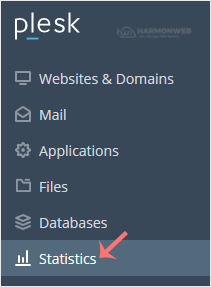
2. Click on Statistics from the Sidebar Menu.
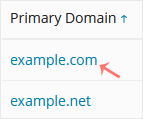
3. Click on the appropriate domain in case of multiple domains.
4. You can see the disk usage from the left side. The right side displays your traffic/bandwidth usage.
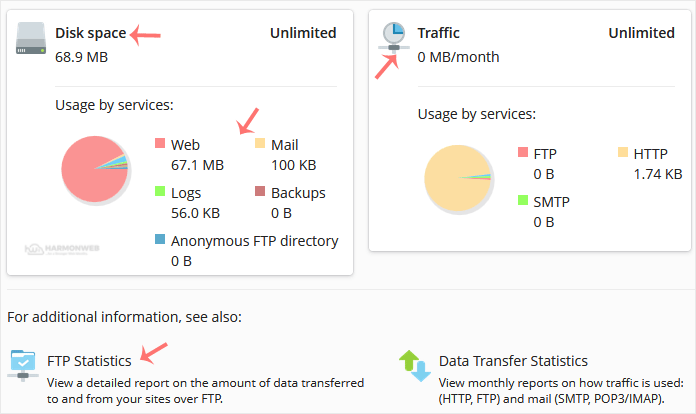
You can also check the detailed statistics of FTP, Data Transfer, and Web Statistics.